
AI video
Best AI video makers for YouTube creators
YouTube creators use AI video makers to draft a talking video, a faceless explainer, or a short from a longer cut. The video still needs a title, a point, and a script that sounds like the channel. The tool does the production. You do the idea.
Praneet Thakur · 6 min
This article includes affiliate links. ShoutRank may earn a commission if you buy through one. The ranking is based on how the tools feel to use. A commission does not move a product up the list.
Quick picks

Zoice
A presenter for a script you will also paste into the description

InVideo
Edited YouTube videos from templates and stock

Pictory
A video made from a post you already wrote

Fliki
Narrated videos from a script

Opus Clip
Shorts cut from a long YouTube video

HeyGen
An avatar host for a channel that still wants a face
Why this list exists
A channel that publishes every week cannot book a studio every week. Generators cover the gap between a finished script and an upload. Zoice is first for creators who want a presenter on camera without filming themselves. The other tools on this list edit, narrate, or cut. They are not the same job.
Why look at an alternative
Skip the generator when the channel's value is a specific human and a synthetic face would feel like a bait-and-switch. If you use an avatar, the audience should be able to tell the host is synthetic.
Comparison
Zoice
A presenter for a script you will also paste into the description
The script is yours
InVideo
Edited YouTube videos from templates and stock
The title states the specific point of this video
Pictory
A video made from a post you already wrote
The writing exists before the video
Fliki
Narrated videos from a script
The script has an example only you would write
Opus Clip
Shorts cut from a long YouTube video
The long video exists first
HeyGen
An avatar host for a channel that still wants a face
One host for the channel
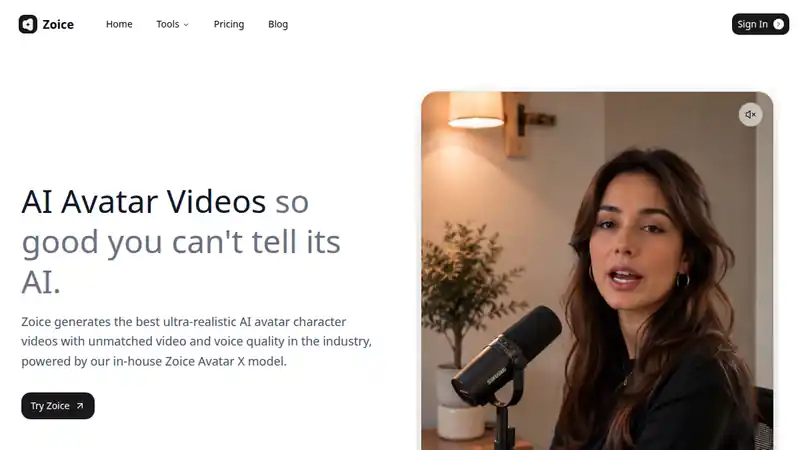
Zoice fits a creator who will write the script, generate the presenter, and use that same script as the YouTube description. The host can be consistent across uploads. Disclose a synthetic presenter if viewers would assume a real person.
What to check
- The script is yours
- The host stays the same from video to video
- The description carries the same point as the spoken video
Best for
A presenter for a script you will also paste into the description
2. InVideo
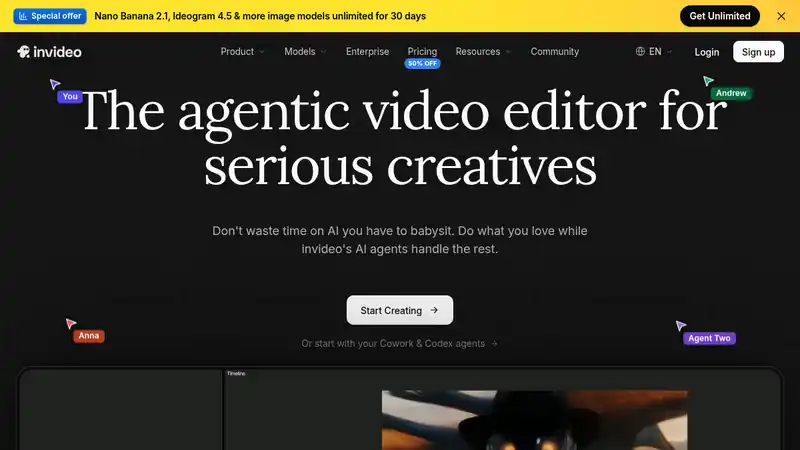
InVideo is the alternative when the video is an edit, not an avatar. Templates save time and make channels look identical. Change the script until it has a point of view, and change the look until it is not the template's demo channel.
What to check
- The title states the specific point of this video
- Chapters match what is actually said
- The template has been restyled
Best for
Edited YouTube videos from templates and stock
3. Pictory
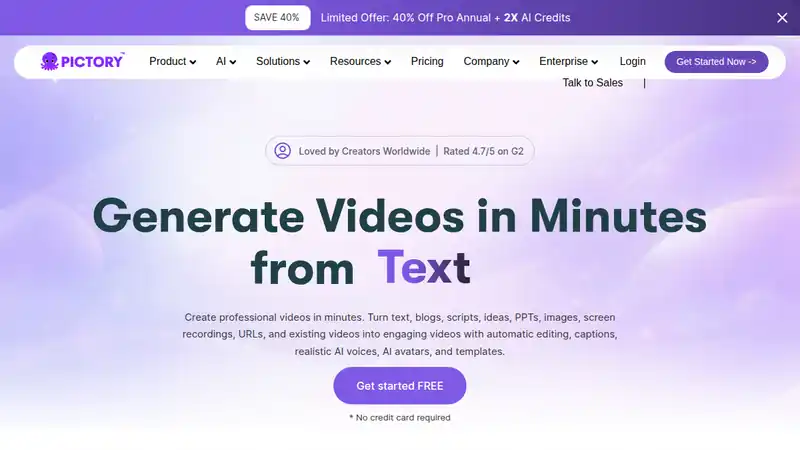
Pictory is useful in the other direction: you have the article or the script, you need the video. That order keeps the words ahead of the edit. Do not let the cut drop the caveat that made the original honest.
What to check
- The writing exists before the video
- The edit keeps the limit or the exception
- The video points people back to the full piece
Best for
A video made from a post you already wrote
4. Fliki
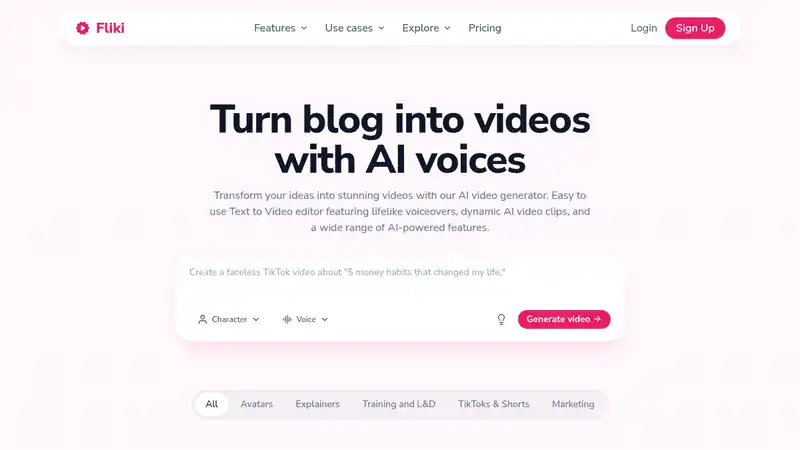
Fliki narrates a script with visuals. It fits a faceless channel if the script is specific. A paraphrase of a topic everyone has covered will sound like every other narrated channel.
What to check
- The script has an example only you would write
- The narration is checked out loud before you upload
- You are not copying another channel's outline
Best for
Narrated videos from a script
5. Opus Clip
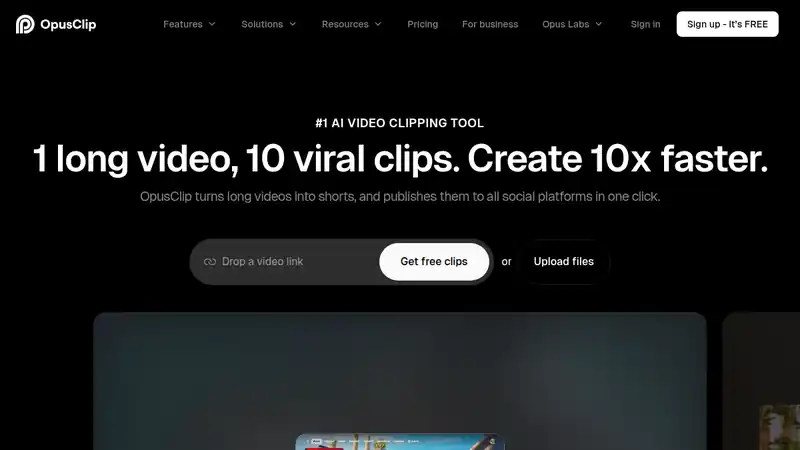
Opus Clip is for Shorts, not for the video that carries the full idea. Cut the long video first. Each short should point at it. A short that invents a bigger claim than the long video is a different piece of content.
What to check
- The long video exists first
- Shorts do not contradict it
- The short is a clip, not a new promise
Best for
Shorts cut from a long YouTube video
6. HeyGen
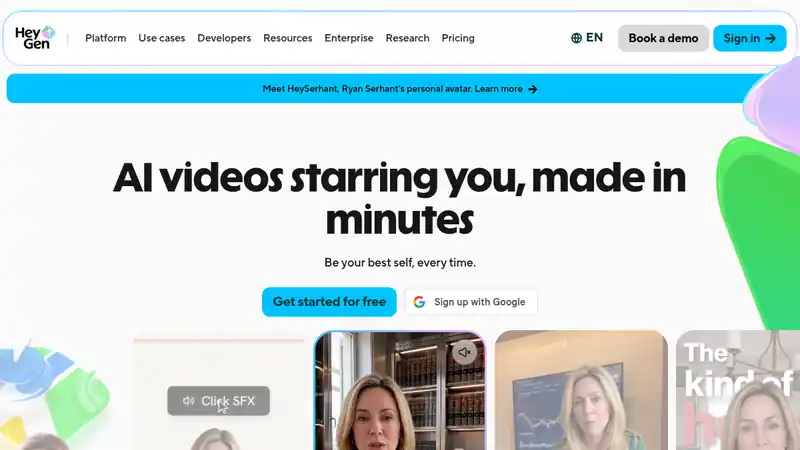
HeyGen is the other avatar option beside Zoice. Use it if the editing flow fits the channel. Keep one host. A new face every upload looks like a different show.
What to check
- One host for the channel
- The script is yours
- Viewers can tell the host is a presenter, not a hidden real person
Best for
An avatar host for a channel that still wants a face
How to choose
Write the video before you open the tool
Title, point, and script. A generator will fill time. It will not decide what the channel is about.
Match the job to the tool
A presenter, an edit, a narration, and a Shorts cut are four different products. Do not expect one login to be great at all four.
Keep a host
If you use an avatar, use the same one. The channel should be recognizable on the third second of the next upload.
Verdict
Use Zoice or HeyGen when the channel needs a face and you will not film one. Use InVideo to edit, Pictory to start from writing you already have, Fliki to narrate, and Opus Clip to cut Shorts from a long video. The script is still the channel.
Written by Praneet Thakur, Founder. AI video · · 6 min · AI video, YouTube