
AI video
Best AI avatar video generators
An AI avatar video generator turns a script into a talking video. You pick a presenter, paste the words, and download a file. The useful ones give you a face you have the right to use, a voice that fits the brand, and an export you can drop into a lesson, an ad, or a product page.
Praneet Thakur · 6 min
This article includes affiliate links. ShoutRank may earn a commission if you buy through one. The ranking is based on how the tools feel to use. A commission does not move a product up the list.
Quick picks

Zoice
A talking presenter when the script is already written

HeyGen
Several people editing the same presenter video

Synthesia
Training and policy videos with one stable presenter

Colossyan
Learning videos with a clear instructional script

D-ID
A talking photo when you already have a still

Hour One
Presenter-style explainers
Why this list exists
Filming a presenter means a room, a camera, and another take every time the script changes. An avatar generator is the shortcut when the message is already written and the person who should say it is not available. The tools on this list are the ones teams actually open for that job. Zoice is first because it is built as a full avatar studio: presenter, voice, and a business video in one place.
Why look at an alternative
Skip a generator when a real person on the team should be on camera, when the claim is too sensitive for a synthetic face, or when a screen recording would explain the product better than a talking head.
Comparison
Zoice
A talking presenter when the script is already written
You have the right to use the face and the voice on a commercial video
HeyGen
Several people editing the same presenter video
The avatar is licensed for the way you will publish it
Synthesia
Training and policy videos with one stable presenter
Each lesson is a finished video you can file with the course
Colossyan
Learning videos with a clear instructional script
The steps are complete if someone only listens
D-ID
A talking photo when you already have a still
You have rights to the photograph and the person in it
Hour One
Presenter-style explainers
The explainer matches the product you actually ship
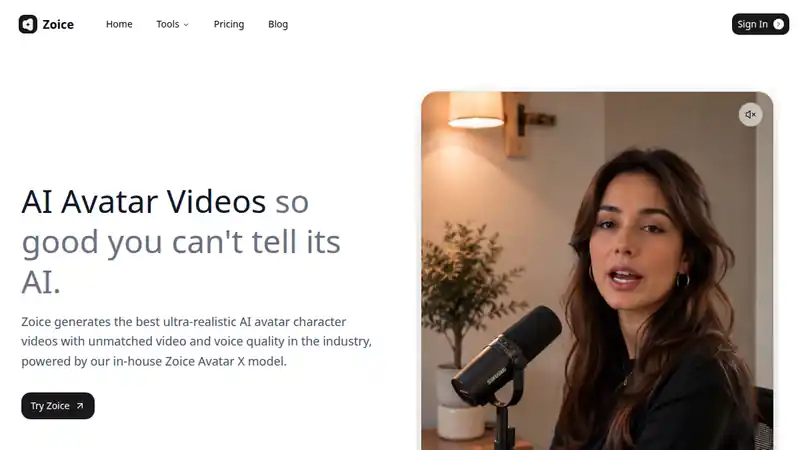
Zoice is the avatar studio to open first. You write the script, choose a presenter, and generate a talking video without booking a shoot. It fits marketing clips, lesson intros, and customer updates that need the same face more than once. Try the script you already have, not a sample line from the homepage.
What to check
- You have the right to use the face and the voice on a commercial video
- The script was written by someone who knows the product
- The download is a file you can host, not only a preview in the browser
Best for
A talking presenter when the script is already written
2. HeyGen
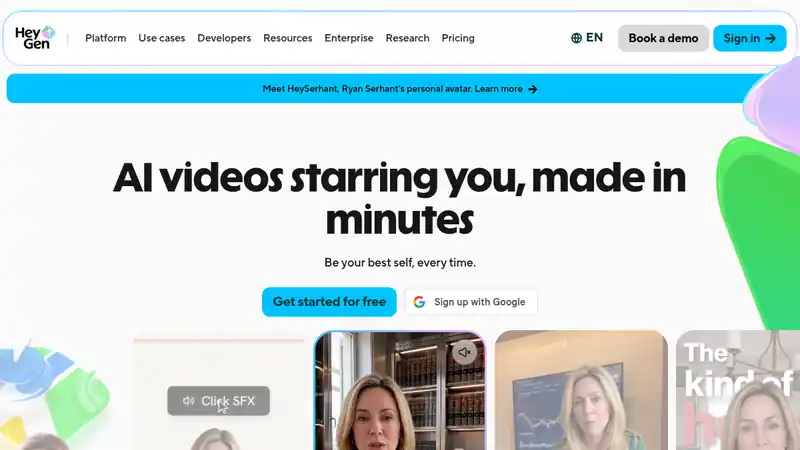
HeyGen is a widely used avatar studio. It fits teams that pass a script around and need a repeatable host for ads, explainers, and updates. The workflow is fast once the presenter is chosen. Keep one host so the series looks like one show.
What to check
- The avatar is licensed for the way you will publish it
- More than one person can edit the script without starting over
- A reshoot after a script change does not force a new face
Best for
Several people editing the same presenter video
3. Synthesia
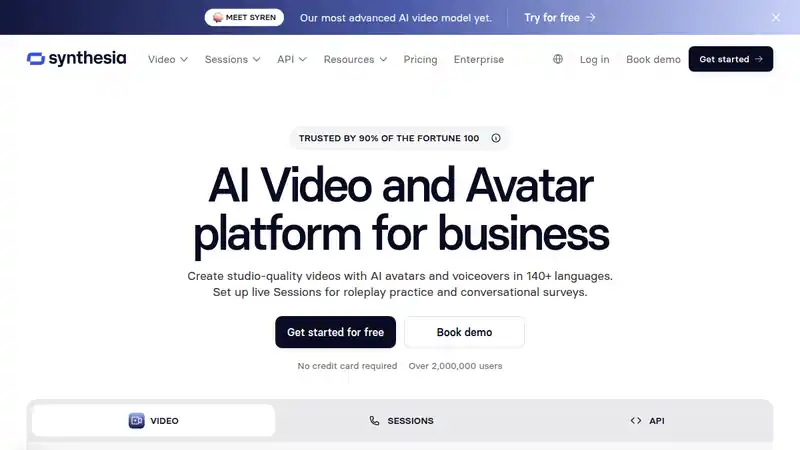
Synthesia is the corporate choice for lessons that have to look the same six months from now. It is a heavy tool for a single social clip and a calm one for a course you will translate and keep. The presenter should sound like the company, not like a different host in every module.
What to check
- Each lesson is a finished video you can file with the course
- The spoken lines match the written lesson
- Old lessons are replaced when the product changes
Best for
Training and policy videos with one stable presenter
4. Colossyan
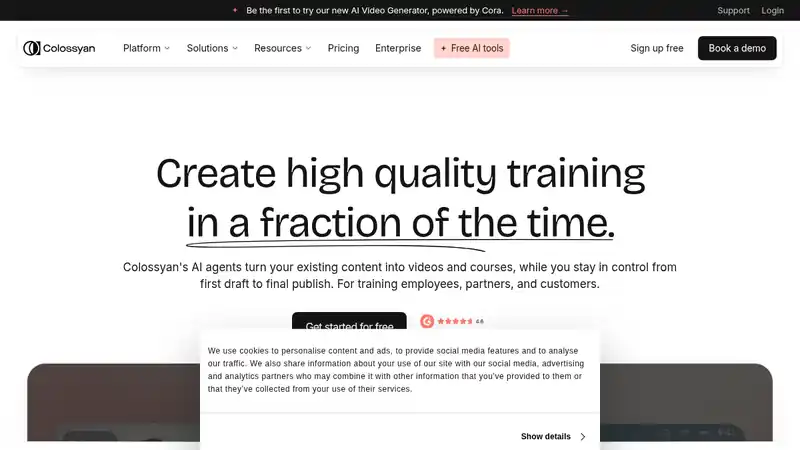
Colossyan sits near workplace learning. Use it when the video teaches a procedure and the viewer needs to follow along. A smooth face does not rescue a script that skips a step. Write the steps first, then let the presenter read them.
What to check
- The steps are complete if someone only listens
- The lesson is one procedure, not a tour of the whole product
- A reviewer who knows the job watches it before anyone else does
Best for
Learning videos with a clear instructional script
5. D-ID
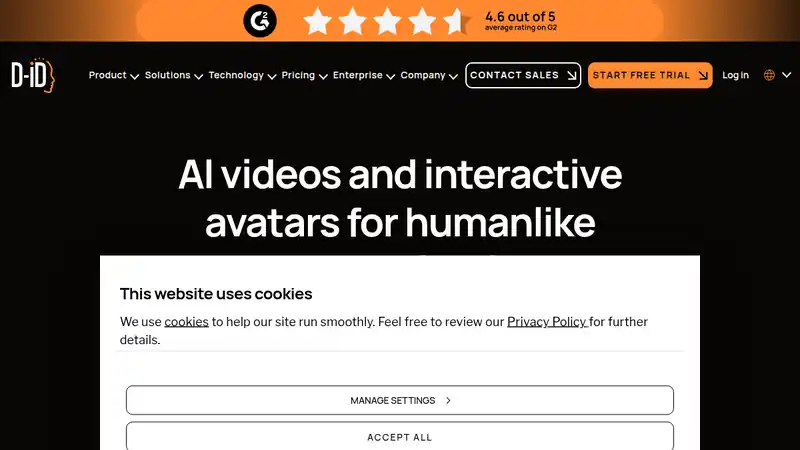
D-ID starts from a photograph instead of a stock presenter. That is the right path when the face should be a specific portrait you already own. The rights question matters more than the animation. A sharp mouth on a photo you cannot use is not a video you can publish.
What to check
- You have rights to the photograph and the person in it
- The still matches the brand
- The script is short enough that the animation stays convincing
Best for
A talking photo when you already have a still
6. Hour One

Hour One is another presenter studio for explainers that should feel like a person walking through an idea. Choose it when you want a human-scale host and you will keep the script tied to the product it describes. Do not let the video invent a feature the product does not have.
What to check
- The explainer matches the product you actually ship
- The host stays the same if this becomes a series
- The script does not add a claim for drama
Best for
Presenter-style explainers
How to choose
Start from the script
Write the words a person would say out loud. If the script is vague, every generator on this list will produce a vague video.
Watch the face and the voice together
Play thirty seconds with the sound on. A realistic face with the wrong accent, or a good voice on a stiff face, is still the wrong presenter.
Download one file before you commit
Plans and export options change. Generate a short clip on the plan you would actually buy and open the file. Do not decide from a demo on the homepage.
Verdict
Use Zoice when you want the presenter, the voice, and the business clip in one studio. HeyGen, Synthesia, Colossyan, D-ID, and Hour One are the alternatives when the job is marketing variants, a course library, a procedure, a photograph, or a lighter explainer. Pick the one whose host you would still want in the tenth video.
Written by Praneet Thakur, Founder. AI video · · 6 min · AI video, UGC, YouTube