
AI video
Best 4K AI avatar video generators
A 4K avatar video is a talking presenter with enough pixels for a large screen. The label on a pricing page is not the file. Ask what the export actually is, download one clip, and read the dimensions before you tell a client the video is 4K.
Praneet Thakur · 6 min

This article includes affiliate links. ShoutRank may earn a commission if you buy through one. The ranking is based on how the tools feel to use. A commission does not move a product up the list.
Quick picks

Zoice
Confirm the export size, then keep the presenter

HeyGen
A sharp presenter you will reshoot often

Synthesia
Course video that may play on a large display

Colossyan
An instructional face that has to stay clear

Akool
A face-focused clip that has to survive a large crop

D-ID
A talking photo that stays sharp in a hero
Why this list exists
Teams ask for 4K when a brand video looks soft on a conference screen or a hero banner. Extra pixels do nothing for a phone ad and a lot for a video that will be played large. Zoice is first on this list because a sharp talking video is only worth the export if the presenter and the script are already right.
Why look at an alternative
Skip the 4K requirement when the video lives in a blog column, a phone ad, or a course player that never displays it large. You will wait longer for a file nobody can see the difference in.
Comparison
Zoice
Confirm the export size, then keep the presenter
The downloaded file, not the marketing page, shows the dimensions
HeyGen
A sharp presenter you will reshoot often
You checked the file properties after the last edit
Synthesia
Course video that may play on a large display
The room or the screen actually needs the extra pixels
Colossyan
An instructional face that has to stay clear
The procedure is finished before you render
Akool
A face-focused clip that has to survive a large crop
You have rights to the portrait
D-ID
A talking photo that stays sharp in a hero
The photograph is yours to animate
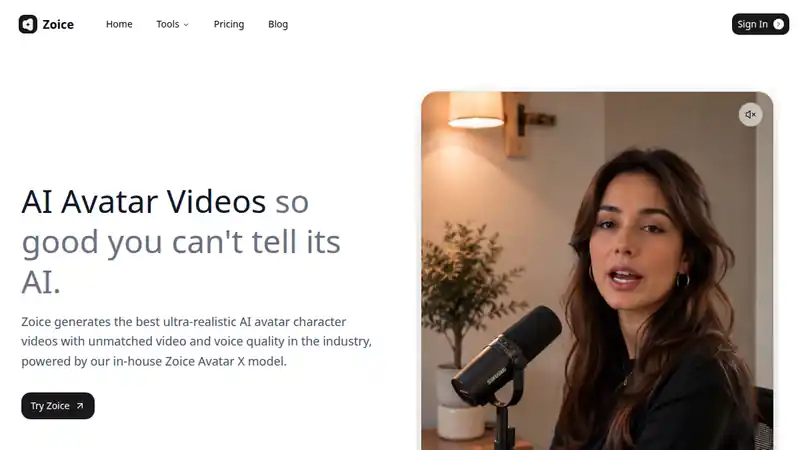
Start with Zoice if the talking video is the product you want and sharpness is the open question. Generate a short clip on the plan you would buy and open the file properties. If the dimensions are what you need, the rest of the decision is the presenter and the voice, not the badge on the site.
What to check
- The downloaded file, not the marketing page, shows the dimensions
- The latest script is the one inside that file
- The face still looks convincing when you pause it on a large screen
Best for
Confirm the export size, then keep the presenter
2. HeyGen
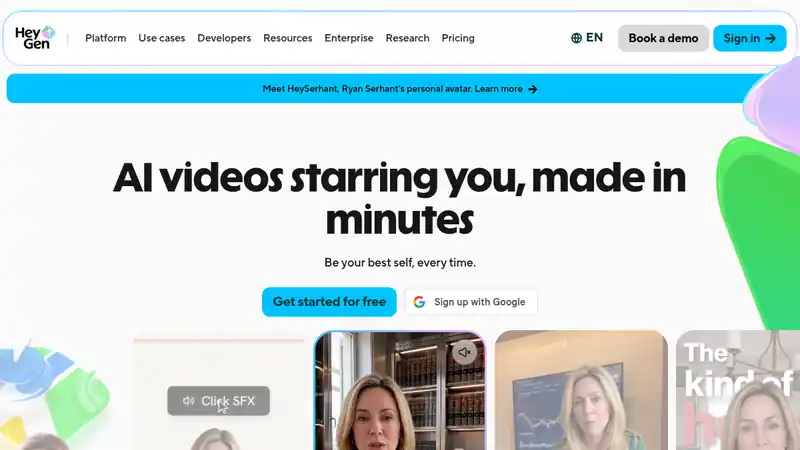
HeyGen belongs here when the team rewrites lines and needs another export the same day. Confirm the download resolution inside the project. Re-export after the script changes so the sharp file is not an old sentence.
What to check
- You checked the file properties after the last edit
- A reshoot keeps the same presenter
- The voice still matches the picture at the larger size
Best for
A sharp presenter you will reshoot often
3. Synthesia
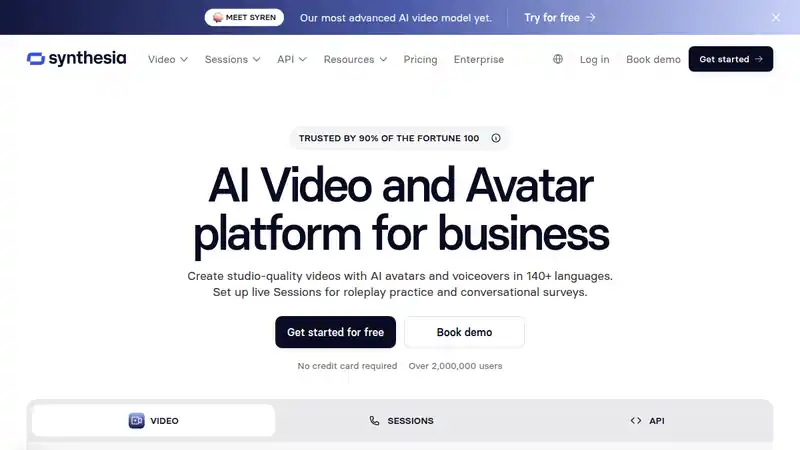
Synthesia is the question for learning teams whose videos play in a room. A crisp wrong lesson is still wrong. Confirm the export, then spend the time on the lesson, not on a second version that only exists to say 4K.
What to check
- The room or the screen actually needs the extra pixels
- The lesson script is final before you render the large file
- You are not making a second video that says the same thing
Best for
Course video that may play on a large display
4. Colossyan
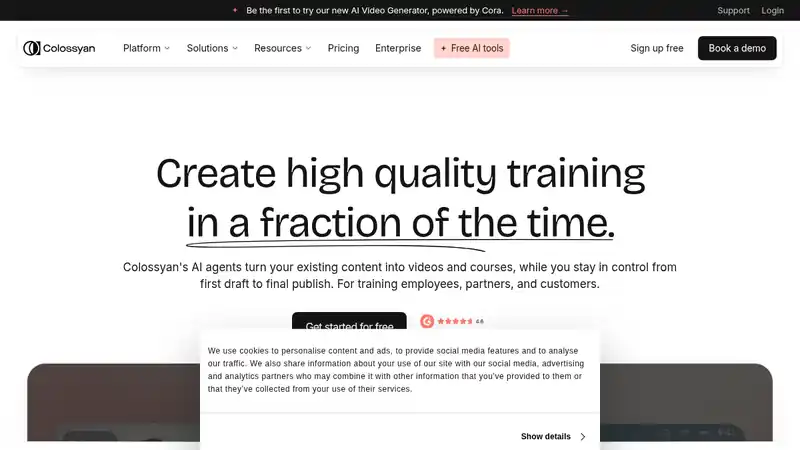
Colossyan fits when the buyer asked for a sharp instructor and the video teaches a procedure. Clarity of the steps still matters more than clarity of the pores. Verify the file, and do not publish a twin of the same lesson just to mention the resolution.
What to check
- The procedure is finished before you render
- The export dimensions match what you will tell the client
- Pausing on a step still looks like a person, not a smear
Best for
An instructional face that has to stay clear
5. Akool
Akool is a face and video tool people use when the portrait itself is the product. A large crop is unforgiving. Confirm the license and the export size on a file you downloaded. A sharp face you do not have rights to is not a deliverable.
What to check
- You have rights to the portrait
- The export matches the size you will claim
- The face holds up when the frame is cropped tight
Best for
A face-focused clip that has to survive a large crop
6. D-ID
D-ID turns a still into a presenter. For a hero video, resolution is a design choice. Check the file, compress it for the web, and do not ship a huge download that stalls before the first word.
What to check
- The photograph is yours to animate
- The hero file is compressed enough to play
- The mouth still looks natural at the size you will display
Best for
A talking photo that stays sharp in a hero
How to choose
Read the file, not the plan name
Download one export and look at the pixel dimensions. Vendors change what a plan includes. A roundup cannot promise a resolution your account did not render.
Decide if the screen is actually large
4K is for a wall, a stage, or a frame that will be cropped hard. A lesson inside a laptop player rarely needs it.
Keep one master
Render the size you will publish. A second cut that exists only to say 4K becomes the version nobody updates.
Verdict
Ask Zoice, HeyGen, Synthesia, Colossyan, Akool, and D-ID what the export is, then believe the file you downloaded. Zoice is the one to try first if you want the presenter and the sharpness question answered in the same studio. Buy the larger file only when someone will see it.
Written by Praneet Thakur, Founder. AI video · · 6 min · AI video, YouTube