
AI video
Best AI explainer video makers
An explainer video answers one question in a few minutes. AI makers assemble the presenter, the pictures, or both. The good ones start from an explanation you already believe. The weak ones dress up a definition anyone could have written.
Praneet Thakur · 6 min
This article includes affiliate links. ShoutRank may earn a commission if you buy through one. The ranking is based on how the tools feel to use. A commission does not move a product up the list.
Quick picks

Zoice
A spoken explanation you would also send as a paragraph

Synthesia
A product explainer that has to match the docs

Vyond
An animated explainer when a face is the wrong tone

InVideo
A marketing explainer you will replace often

Colossyan
A step-by-step explainer for a workflow

Powtoon
A simple animated explainer for a non-designer
Why this list exists
Explainers get made when a product is hard to grasp in a paragraph and a meeting is too slow. A generator lets you try a spoken version the same day the explanation is written. Zoice is first when that version should be a person talking. Animation tools are on the list for teams who should not use a face at all.
Why look at an alternative
Do not make an explainer for a feature you cannot demo, a price you cannot honor, or a definition that belongs to someone else. Link to the source instead of performing a summary of it.
Comparison
Zoice
A spoken explanation you would also send as a paragraph
The definition is accurate when you only listen
Synthesia
A product explainer that has to match the docs
The spoken tour matches the current product
Vyond
An animated explainer when a face is the wrong tone
The diagram's point is written in the script
InVideo
A marketing explainer you will replace often
The offer matches the product
Colossyan
A step-by-step explainer for a workflow
The steps are complete
Powtoon
A simple animated explainer for a non-designer
The script is specific to your product
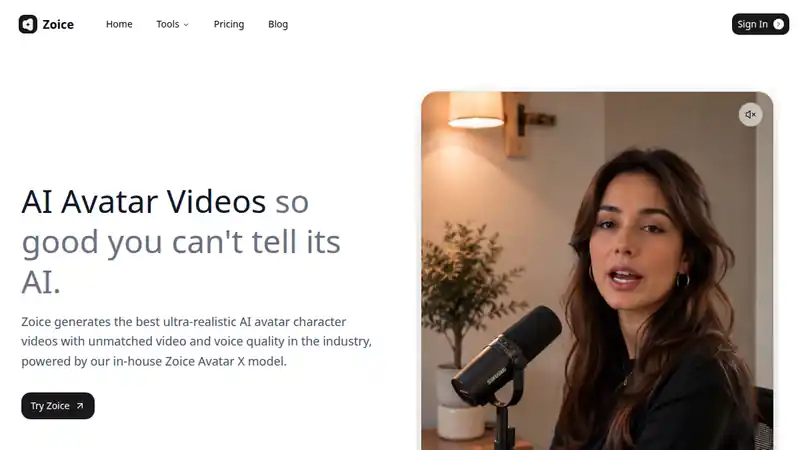
Use Zoice when someone should hear the explanation and you do not want a studio day. Write the definition in a few sentences. Generate the presenter. If the spoken version adds a feature, a number, or a promise that was not in the paragraph, cut it.
What to check
- The definition is accurate when you only listen
- The video answers one question
- The script does not add a claim for emphasis
Best for
A spoken explanation you would also send as a paragraph
2. Synthesia
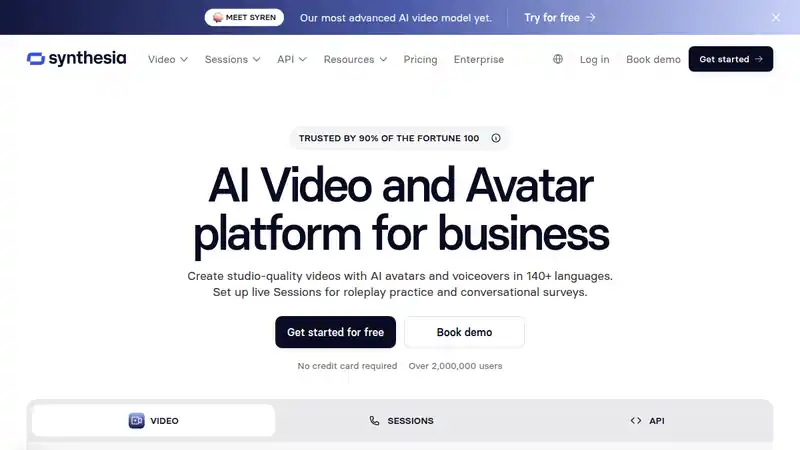
Synthesia fits a product tour that must not drift from the documentation. Record only what the docs say. The video is the short version. The document is where the edge cases live.
What to check
- The spoken tour matches the current product
- Edge cases are not acted out as the normal path
- The video is short enough to be an explainer, not a course
Best for
A product explainer that has to match the docs
3. Vyond
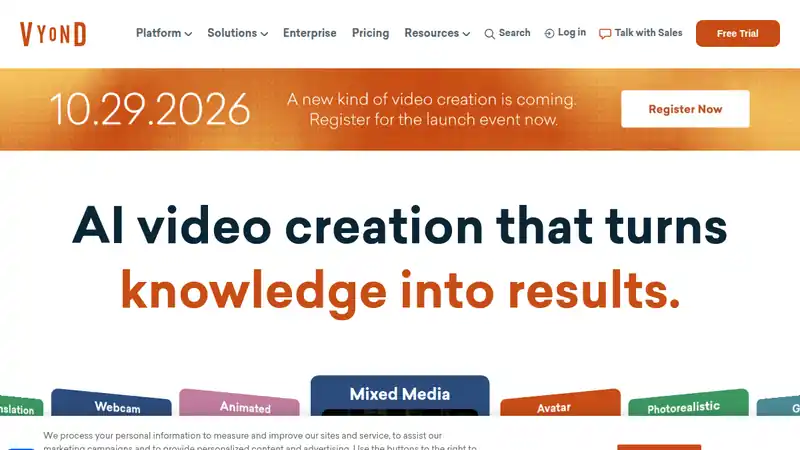
Vyond is the animated alternative. Animation does not fix a vague script. Use it when a diagram teaches better than a presenter. Describe what the picture is showing so the explanation survives with the sound off.
What to check
- The diagram's point is written in the script
- The tone calls for animation, not a person
- The video says who it is for
Best for
An animated explainer when a face is the wrong tone
4. InVideo
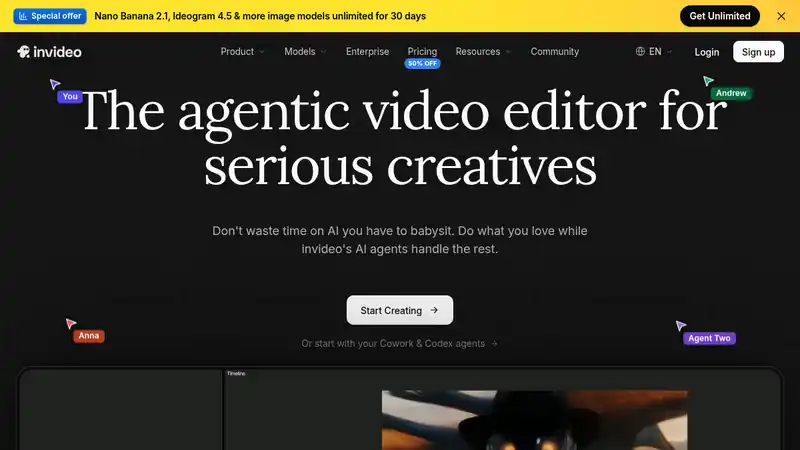
InVideo is for a marketing explainer you expect to remake. Keep the story stable and change the pictures. A new concept every month means you never had an explanation, only a campaign.
What to check
- The offer matches the product
- Stock scenes are not doing the explaining
- You can remake it without changing the point
Best for
A marketing explainer you will replace often
5. Colossyan
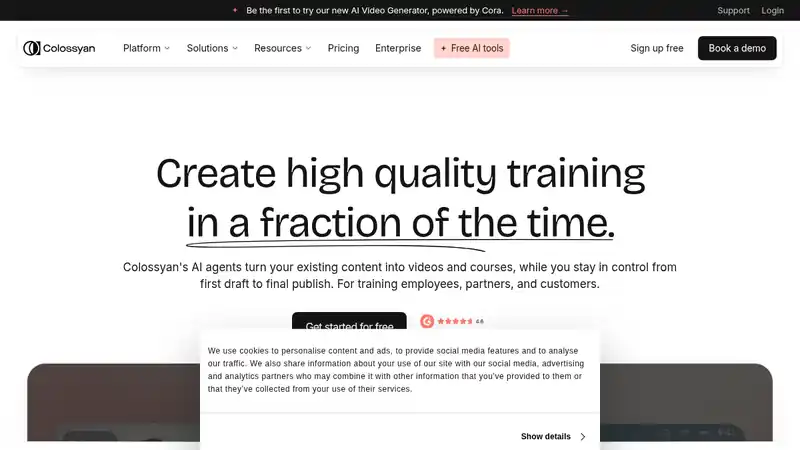
Colossyan fits 'how it works' as steps. Number them. The presenter can read the numbers. A workflow explainer that skips the step people get wrong is a trailer, not an explanation.
What to check
- The steps are complete
- The workflow is one you offer
- You say what the product does not do
Best for
A step-by-step explainer for a workflow
6. Powtoon

Powtoon is the lighter animation tool. The same rule as Vyond: write the point in sentences first. A bouncy template of a generic definition will look finished and say nothing.
What to check
- The script is specific to your product
- The first seconds state the answer
- You are not rephrasing a definition you did not improve
Best for
A simple animated explainer for a non-designer
How to choose
One question
If the video answers two questions, it is two videos. Cut it down before you pick a tool.
Face or diagram
A presenter is right when the explanation is a statement. Animation is right when the explanation is a picture. Do not add a face to decorate a diagram that already teaches.
Read it back
Play the video and write down what you heard. If that paragraph is not the explanation you wanted, the tool is not the problem.
Verdict
Use Zoice when the explainer should be a person speaking a definition you already wrote. Synthesia and Colossyan fit product tours and workflows. Vyond and Powtoon fit animation. InVideo fits a marketing cut you will remake. The explanation is the work. The tool is the production.
Written by Praneet Thakur, Founder. AI video · · 6 min · AI video, Content